
What is a logbook?
The logbook is intended to record particular events that occur during a measuring process in an organized manner.
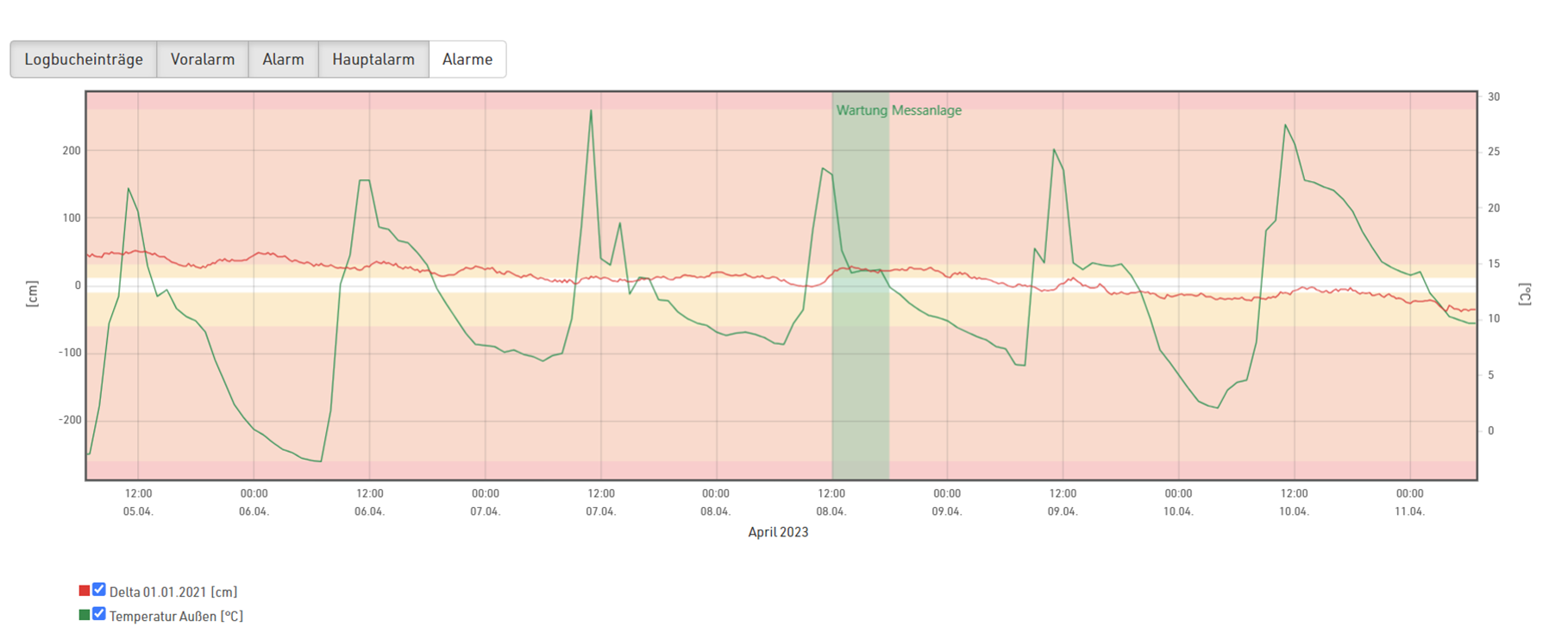
Logbook entries can also be displayed in graphs.
The visibility of individual logbook entries is determined by the fact that logbook entries can be linked to projects, folders or measuring points.
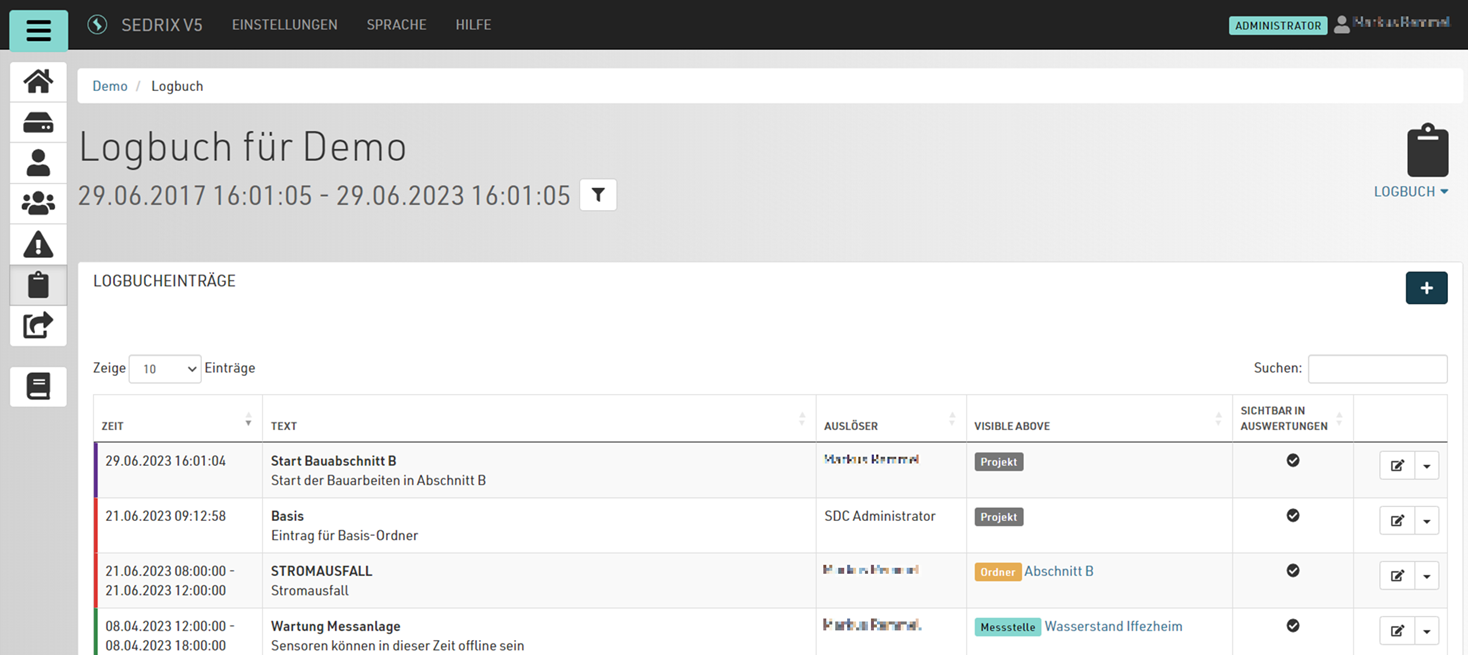
Examples of logbook entries:
-
Start of construction (project-wide)
-
Maintenance periods (project-wide)
-
Power outage for a certain time period in a certain section (entry for one folder)
-
Sensor switch (entry for one measuring point)
This function depends on your license. If you are interested in this function, contact your sales partner or support@sedrix.com!
How do I create a logbook entry?
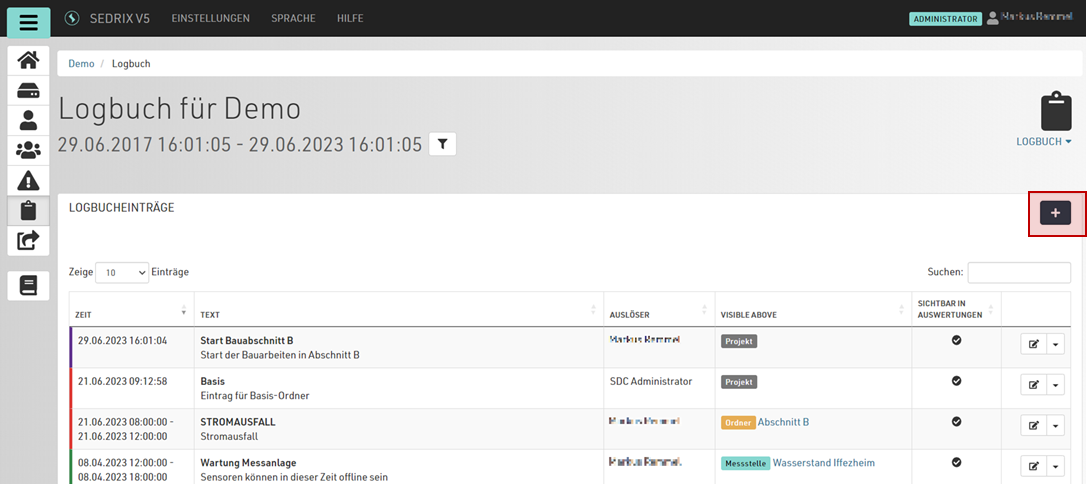
Logbook entries can be added by clicking on the Plus button in the top right of the logbook view.
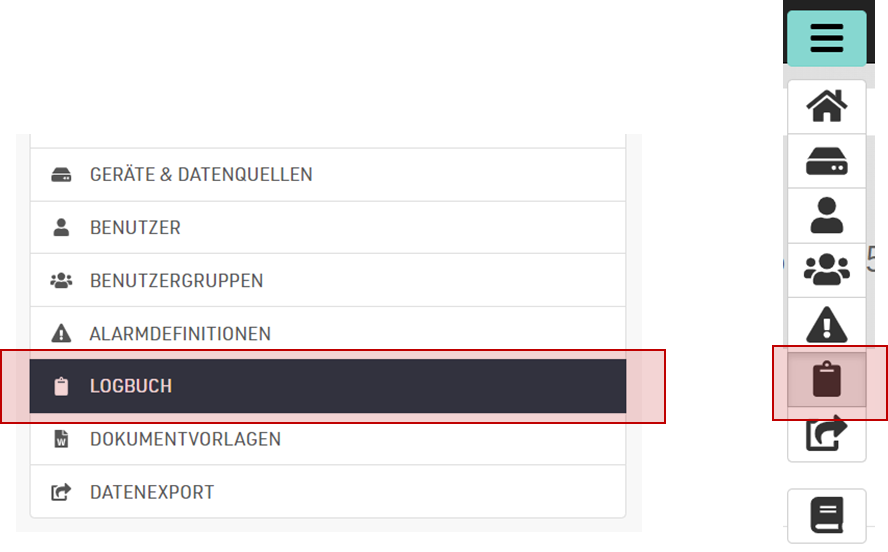
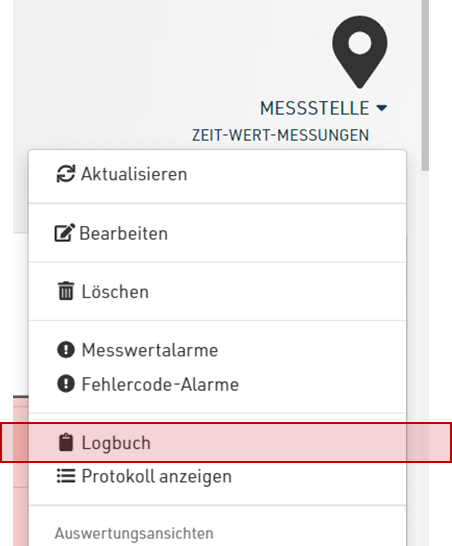
You can reach the list of logbook entries via the menu on the left or via the context menu of a folder or measuring point.
Please note that only logbook entries that are relevant for the current section (project, folder, measuring point) are shown.
-
Project-wide entries are shown throughout
-
Entries for a folder are only shown for that folder and all of its sub-folders and measuring points
-
Entries for a measuring point are only shown for that measuring point
How do I create a project-wide logbook entry?
Logbook entries that apply throughout the whole project must be created using the global list of all entries, which you can reach via the menu on the left.
How do I create a logbook entry for a folder?
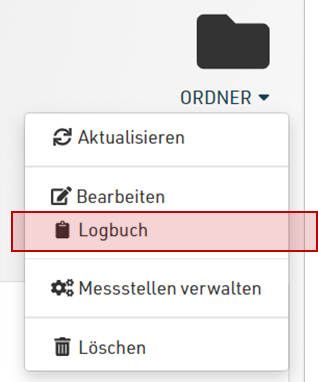
Logbook entries that should only apply for a certain folder and its sub-folders and measuring points should not be entered at the topmost level but rather using the list of logbook entries of the respective folder.
Navigate first to the folder for which you wish to make a logbook entry and then use the context menu to go to the logbook of the folder.
How do I create a logbook entry for a measuring point?
Logbook entries that should only apply for a certain measuring point should not be entered at the topmost level but rather using the list of logbook entries of the respective measuring point.
Navigate first to the measuring point for which you wish to make a logbook entry and then use the context menu to go to the logbook of the measuring point.
Where can a logbook entry be viewed?
Each logbook entry has a specific validity range based on the logical hierarchy of projects, folders and measuring points.
Logbook entries with a project-wide validity range can be viewed throughout the project. This means that they appear in the logbook of each folder and measuring point in the project.
Logbook entries that are assigned to a folder are only valid for that folder and its sub-folders and measuring points. This means that they appear in the logbook of the respective folder and each sub-folder and measuring point within this folder.
Logbook entries that are assigned to a measuring point are only visible in that measuring point. If the measuring point is moved within the folder hierarchy, the assigned entries are also moved.
How can I make a logbook entry visible in a graph?
For each logbook entry, you can select whether it should be visible in evaluations. This is also displayed in the logbook table in the corresponding column.
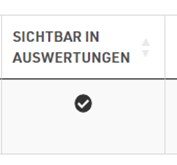
If the option is selected, the entry is also shown at the respective points in a time-value graph.
Properties of a logbook entry
The following properties of a logbook entry can be set when creating or editing the entry:
|
Property |
Required |
Description |
|---|---|---|
|
Start |
Yes |
Time of the start of the event being documented as a logbook entry |
|
End |
No |
Time of the end of the event being documented as a logbook entry |
|
Color |
Yes |
Color of the logbook entry. This allows entries to be classified by color. |
|
Short text |
Yes |
Free text to enter a short description of the event which is used as a label for the entry. Maximal length: 20 characters.
|
|
Text |
Yes |
Free text to describe the event in more detail. |
|
Visible in evaluations |
Yes |
Sets whether the entry is always shown in the evaluations of measuring points or not. |