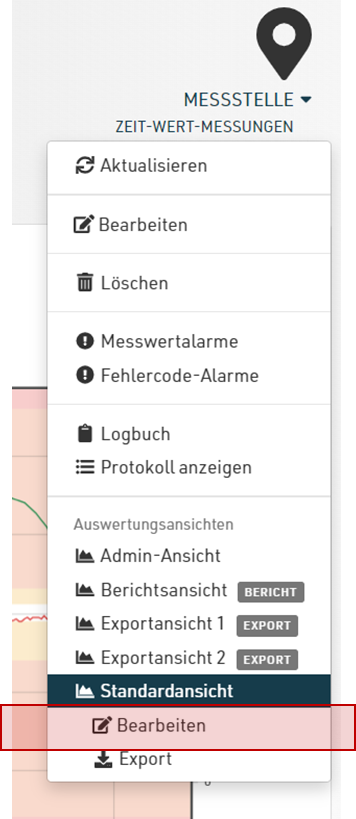
You will find all available evaluation views in the Edit view of a measuring point beneath “Evaluation views”.
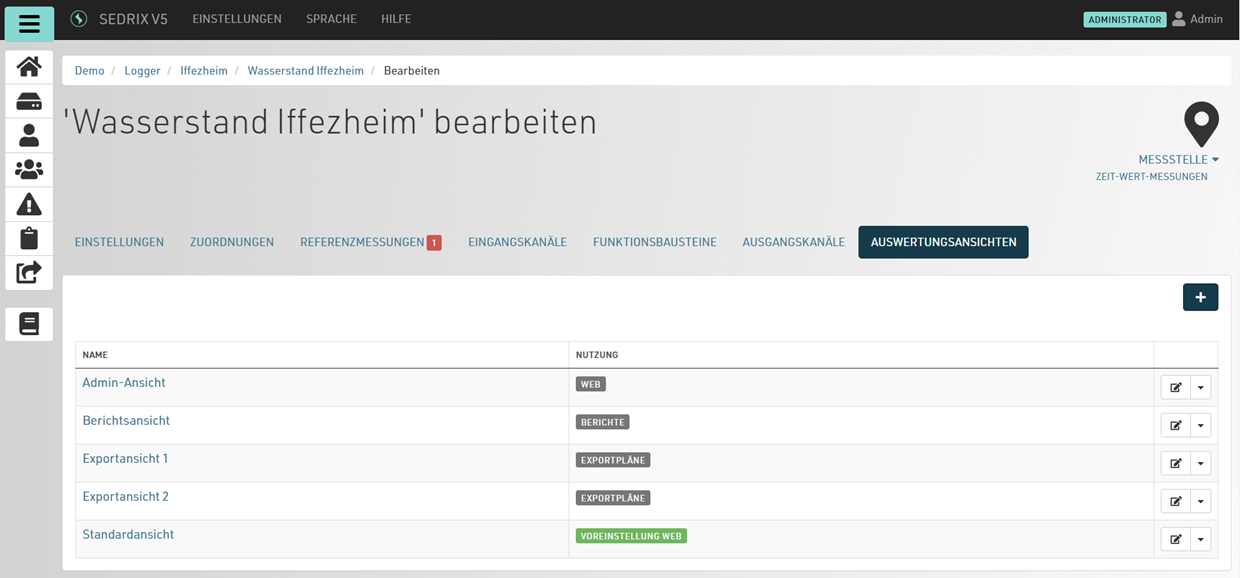
There is always a standard view which is normally shown when you click on a measuring point.
The “Usage” column displays the purpose of this view:
-
for the web
-
for reports
-
for data export.
This affects where you can use each view. For example, when configuring a report, only the evaluation views that are intended for use in a report are displayed.
If you would like to edit the evaluation view you are currently viewing, use the Edit shortcut in the context menu: