
Any table in an evaluation view can be directly exported using the export function.
To do so, click on the export symbol on the right:
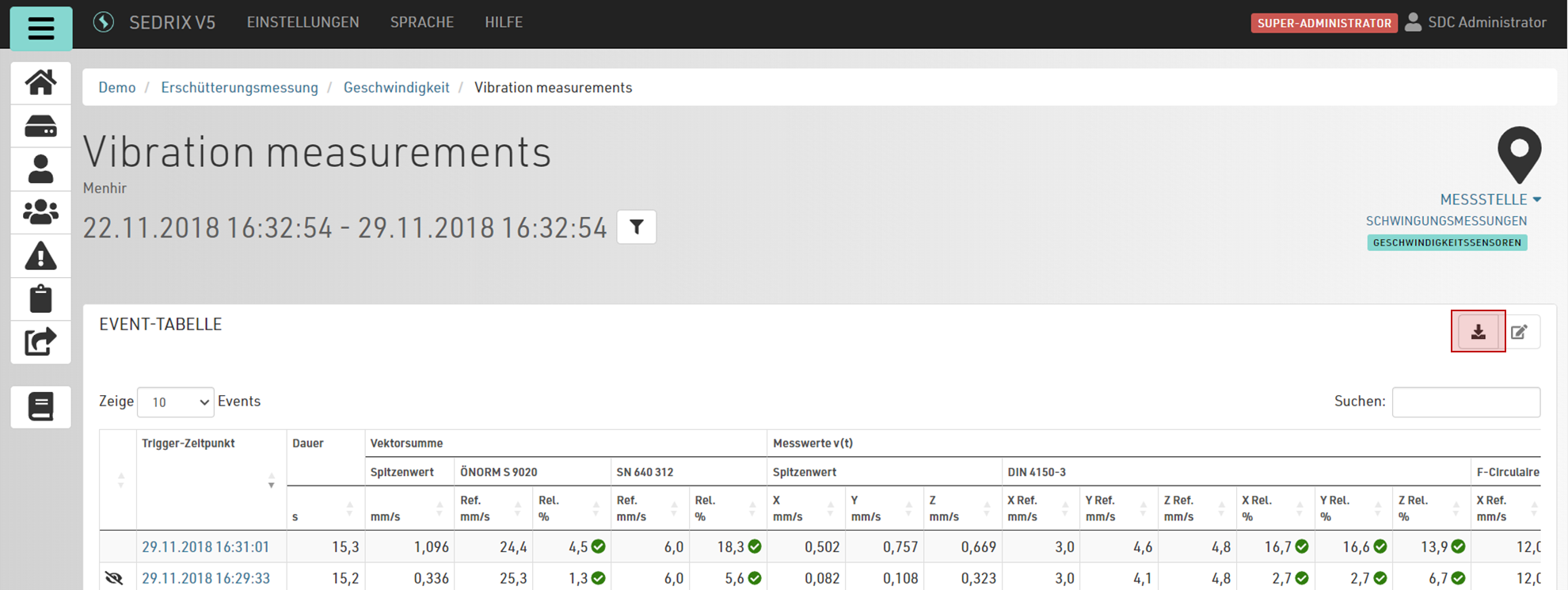
A dialog will open, where you can enter a file name for the export.
The time period of the export corresponds to the time period currently being displayed.