An export job is processed in the background. Once the job is finished, the exported data can be downloaded.
Please note that export jobs are automatically deleted after a certain time.
To be able to access the export data, edit the corresponding evaluation view. All export jobs can be viewed in the respective tab here.
The data from each completed export job can be directly downloaded here.
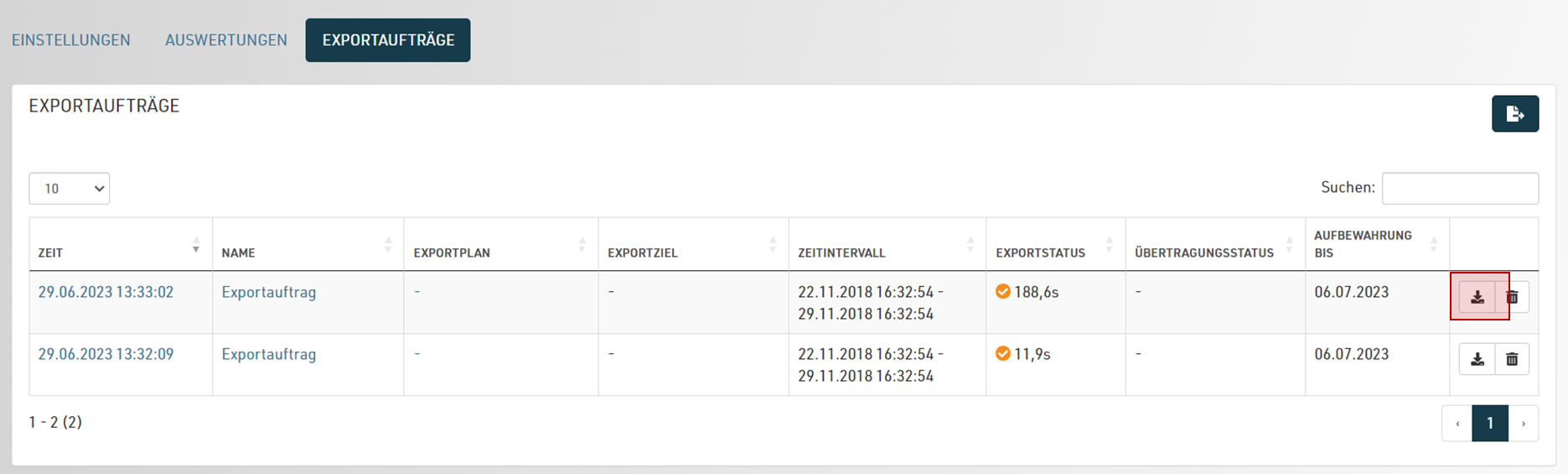
Alternatively you can open the status view by clicking on an export job.
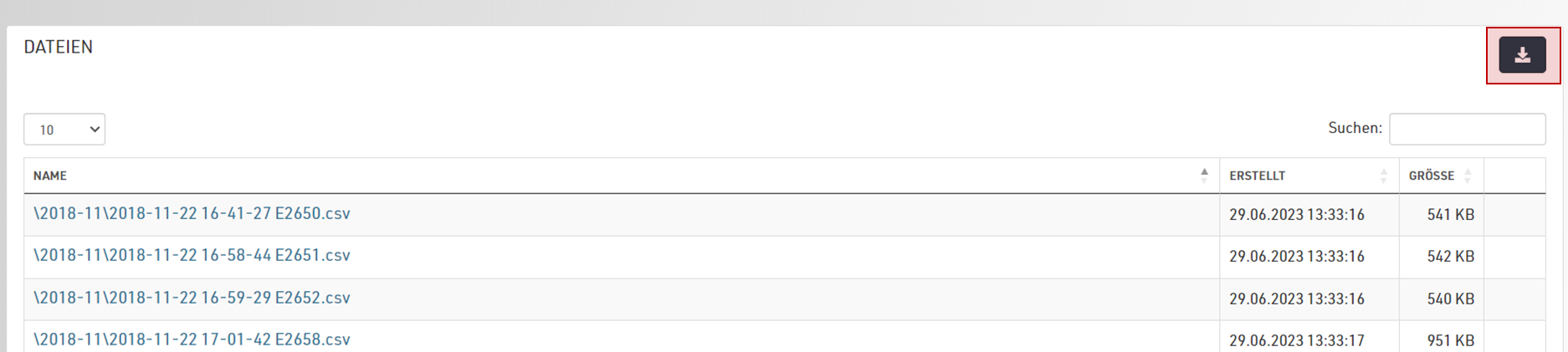
A log of the export and all its files is shown in this view. You can download individual files by clicking on the file, or download all files at once as a zip archive.