Exporting an evaluation view can be started in two different ways.
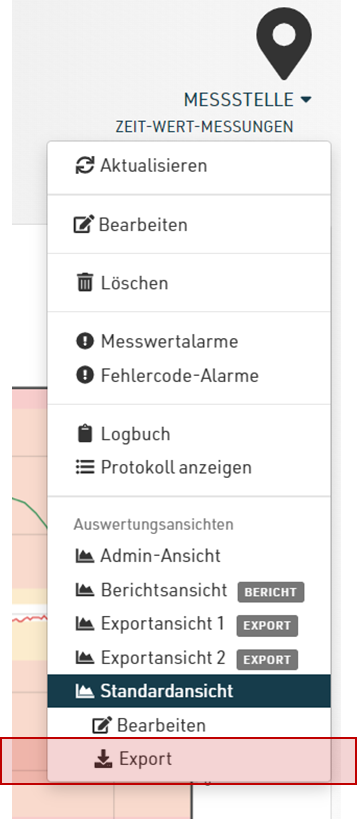
On the one hand, exporting of the current evaluation view can be started via the context menu of a measuring point.
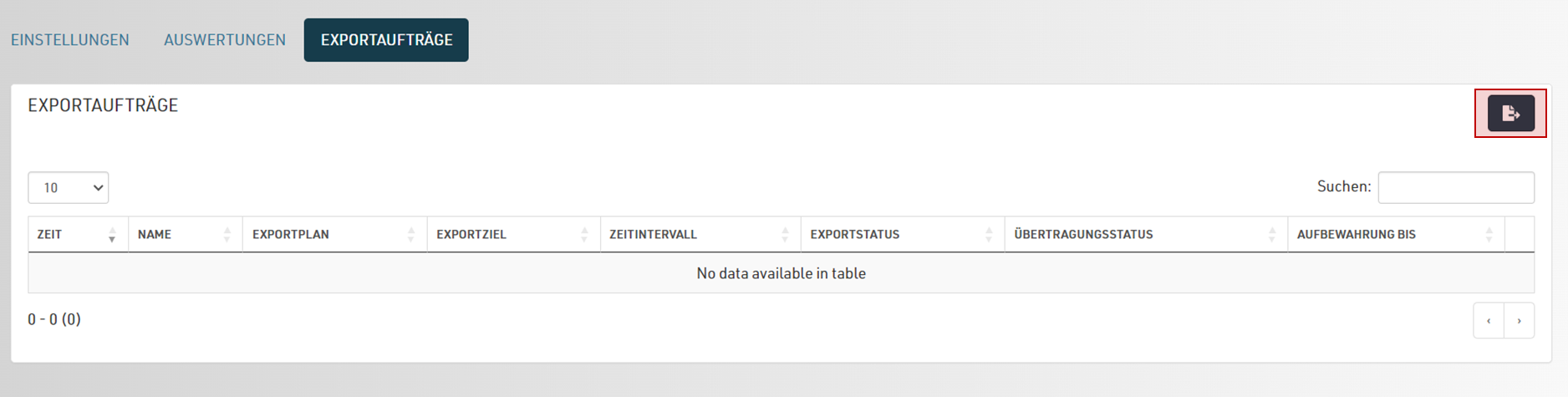
Alternatively, there is the “Export jobs” tab when editing an evaluation view. All completed and planned exports are displayed here and an export can also be started directly:
After starting the export, the page for the current export is automatically displayed. The page is updated periodically until the export job has been completed. It is not necessary to wait for the job to be completed and you can exit the page at any time; the export job will continue to be processed in the background.
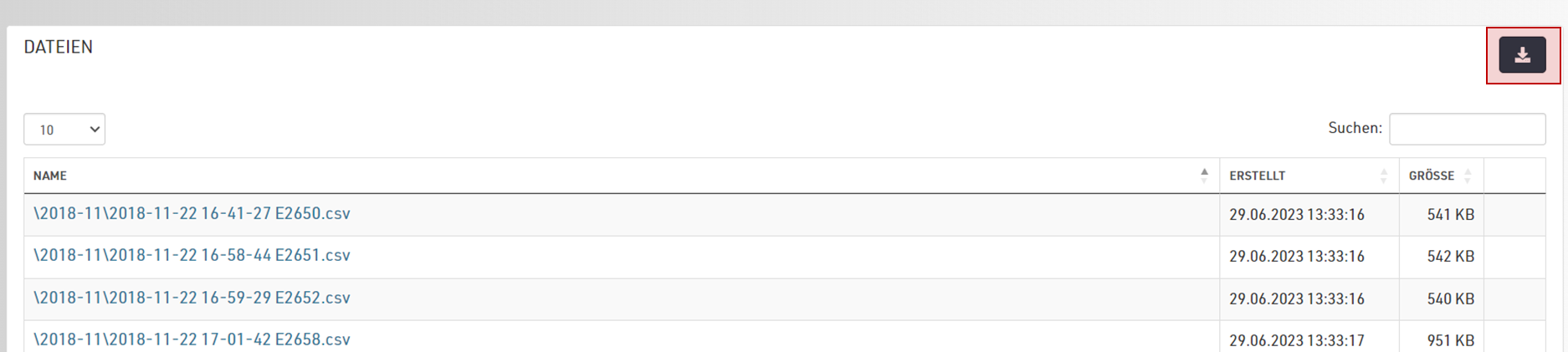
Once the export has been completed, you can download the data as a zip archive in the Files section.