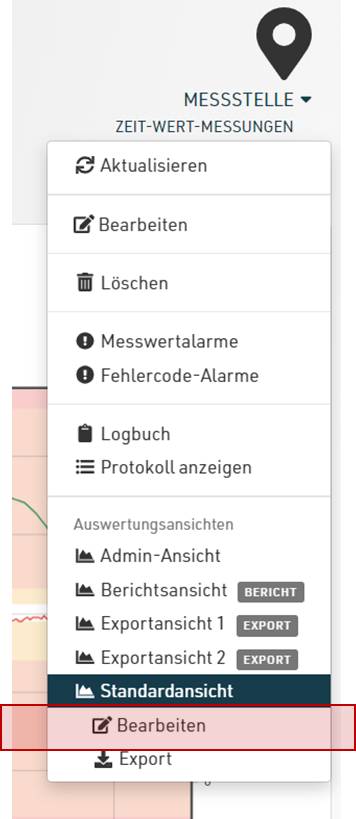
In the view for editing a measuring point, all available evaluation views are displayed under “Evaluation views”.
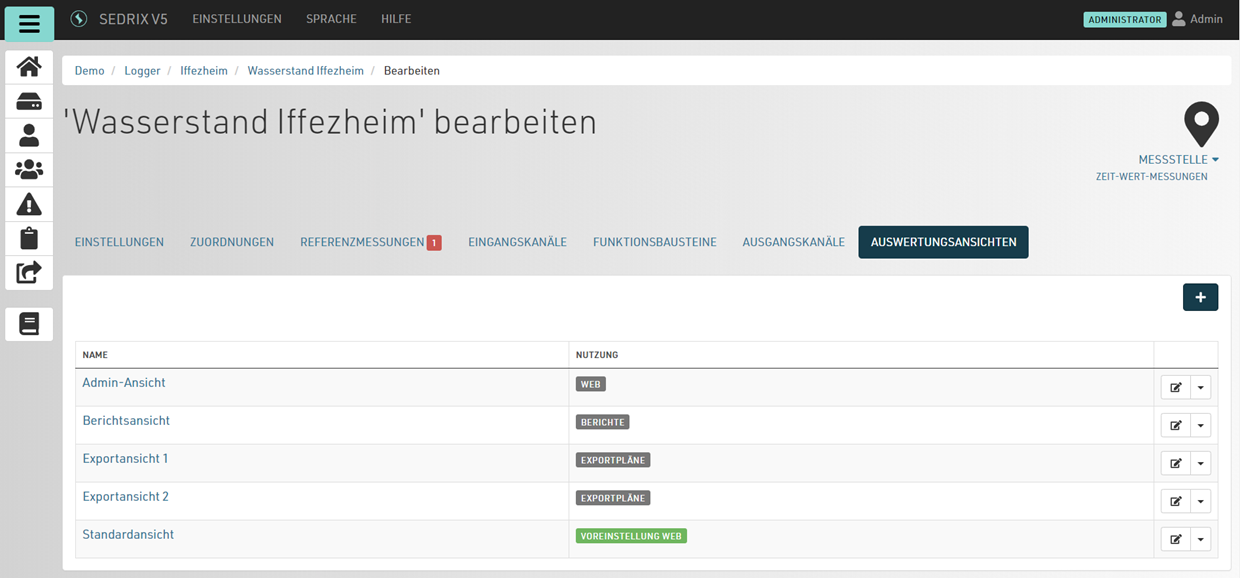
There is always a standard view which is normally displayed when you click on a measuring point.
The “Usage” column displays the intended use of this view: for the web, for reports or for data export.
This influences where this view can be used. For example, when configuring a report, only the evaluation views that are also intended for use in a report are displayed.
If you would like to edit the evaluation view you are currently looking at, there is a shortcut in the context menu. Using this shortcut allows you to directly edit the evaluation view currently being displayed.